


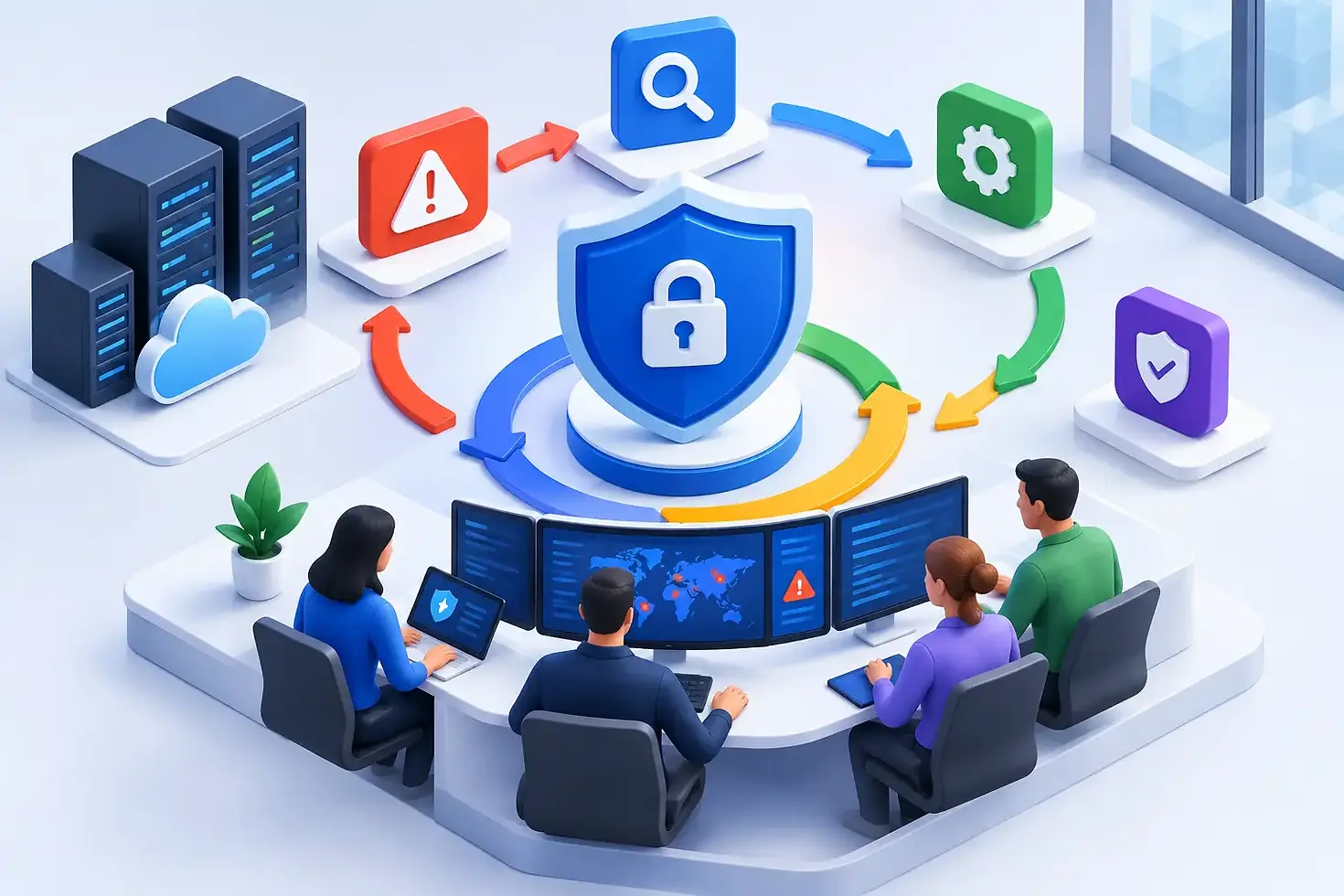
How to Build Incident Response for Your Business
A suspicious login, a locked file server, or a staff member who clicks a convincing phishing message can quickly become a business interruption. The real cost is rarely limited to the first affected device. It can include lost access to customer data, delayed operations, missed revenue, compliance exposure, and uncertainty among employees. Knowing how to build incident response gives your business a practical way to act quickly and make sound decisions when pressure is high.
For small and medium-sized businesses, incident response does not require a large in-house security operations center. It requires clear ownership, reliable tools, tested procedures, and access to the right technical support. The goal is simple: contain the incident, protect the business, restore operations safely, and reduce the chance of a repeat event.
Start With the Business Risks That Matter Most
An incident response plan should reflect the systems your organization cannot afford to lose. A construction company may depend on cloud-based project files and mobile devices. A professional services firm may need secure access to email, client records, and financial systems. A healthcare-adjacent organization may have added obligations around sensitive data and access controls.
Begin by identifying the applications, devices, data, and vendors that keep your business running. Document where critical data is stored, who can access it, and what would happen if each system became unavailable for a day, several days, or longer. This helps you set realistic recovery priorities rather than treating every technology issue as equally urgent.
Also identify the incidents most likely to affect your business. Common examples include phishing-based account compromise, ransomware, malware, lost or stolen devices, unauthorized access to cloud accounts, and outages involving a key technology provider. You do not need a separate hundred-page plan for every possible scenario. You do need focused procedures for the events that could cause the most disruption.
How to Build Incident Response With Clear Ownership
Technology teams can investigate and remediate an incident, but business decisions cannot be left vague. An effective response plan identifies who has the authority to make decisions about system shutdowns, employee communications, customer notifications, insurance engagement, and outside legal or compliance guidance.
For many small businesses, the response group may include an executive decision-maker, an operations leader, an internal IT contact or managed IT partner, and a person responsible for employee or customer communication. The same person may fill more than one role in a smaller organization. What matters is that everyone understands their responsibility before an incident occurs.
Your plan should name a primary contact and a backup for each responsibility. It should also include after-hours contact information, since security incidents do not follow business hours. Keep this information in a location that remains available if email, shared drives, or single sign-on are unavailable.
A simple role structure works well:
The incident lead coordinates the response and records key actions and decisions.
The technical lead investigates, contains affected systems, and manages recovery.
The business lead decides operational priorities and approves major business actions.
The communications lead manages internal updates and any necessary external messaging.
If you work with a managed service provider, define where its responsibilities begin and end. Your provider may handle monitoring, investigation, remediation, and recovery support, while your internal leadership retains authority for business and legal decisions. Clarifying this early prevents costly delays during an active event.
Create Playbooks for the First Critical Hours
A plan is useful only if people can follow it under stress. Incident response playbooks turn broad policy into practical actions. They should be short, specific, and written in plain language.
For a suspected phishing compromise, the first actions may include resetting the affected user's password, revoking active sessions, reviewing mailbox rules, enforcing multifactor authentication, and checking whether the account sent messages or accessed sensitive files. For a ransomware concern, the initial priority is usually to isolate affected devices and protect backups before attempting cleanup or restoration.
Each playbook should answer four questions: How is the incident reported? Who must be contacted? What immediate containment steps are authorized? What evidence should be preserved? Evidence may include screenshots, affected device names, timestamps, suspicious emails, log records, and copies of attacker messages. Good documentation helps technical teams understand what happened and supports insurance, legal, or compliance requirements when applicable.
Avoid a common mistake: treating every incident as a reason to immediately delete files, restart systems, or restore from backup. Those actions may be necessary, but moving too quickly can erase valuable evidence or spread an active threat. The right sequence depends on the incident. Containment and investigation often need to happen before full recovery.
Build Detection and Communication Into the Plan
You cannot respond to what you do not detect. Proactive monitoring, endpoint protection, email security, account alerts, and regular vulnerability management all help surface potential incidents earlier. Faster detection can significantly reduce the scope of a compromise.
Your employees are also part of detection. Give them an easy, non-punitive way to report suspicious emails, unexpected login prompts, lost devices, or unusual system behavior. Staff members should know that reporting a mistake quickly is better than trying to fix it alone. A five-minute delay can matter when an attacker is using a compromised account to access more systems.
Communication needs the same level of preparation. Create internal message templates for situations such as a temporary email outage, a suspected account compromise, or restricted access to business applications. The message should tell employees what is happening, what they should do now, and when they can expect another update.
Do not speculate or overpromise. During a developing incident, it is better to say that the issue is under investigation and provide a time for the next update than to offer details that later prove inaccurate. For incidents involving customer information, regulated data, or contractual notification obligations, involve appropriate legal and compliance advisors before sending external notices.
Make Recovery Safe, Not Just Fast
Restoring systems is the moment many businesses want to rush. Speed matters, but restoring an infected device, compromised account, or incomplete backup can restart the incident. Recovery should be planned around clean systems, verified data, and business priorities.
Maintain backups that are protected from routine user access and regularly test whether they can be restored. A backup that exists but cannot be recovered within a useful timeframe is not a reliable continuity strategy. Test a few representative restorations, including critical files, a key server or cloud workload, and the steps employees need to return to work.
Your recovery plan should state which systems come back first. In many organizations, identity services, email, line-of-business applications, and connectivity take priority. However, the right order depends on your operations. A company that cannot serve customers without its scheduling platform may restore that application before lower-priority internal systems.
Before closing an incident, confirm that passwords have been reset where necessary, access permissions have been reviewed, security updates have been applied, and monitoring is in place for signs of continued attacker activity. Recovery is complete only when the business can operate with reasonable confidence that the threat has been removed.
Test the Plan Before You Need It
An untested incident response plan is an assumption, not a capability. Tabletop exercises are an efficient way to test your readiness without interrupting operations. Present a realistic scenario, such as a finance employee reporting a suspicious sign-in alert, then walk through who does what, how decisions are made, and where the process breaks down.
These sessions often reveal practical issues: outdated contact lists, unclear approval authority, missing access to backup systems, or uncertainty about how to communicate with employees. Update the plan after each exercise and after any real incident. Your technology, staff, vendors, and business priorities will change over time, so the plan should change with them.
Advanced IT Technologies helps businesses turn incident response from a document on a shared drive into an operational process supported by proactive monitoring, cybersecurity controls, business continuity planning, and responsive technical guidance. The right level of support depends on your internal resources, industry requirements, and tolerance for downtime.
A well-prepared response will not make every incident painless. It gives your team a calmer, more disciplined way to protect people, data, and operations when the unexpected happens.


Comments