


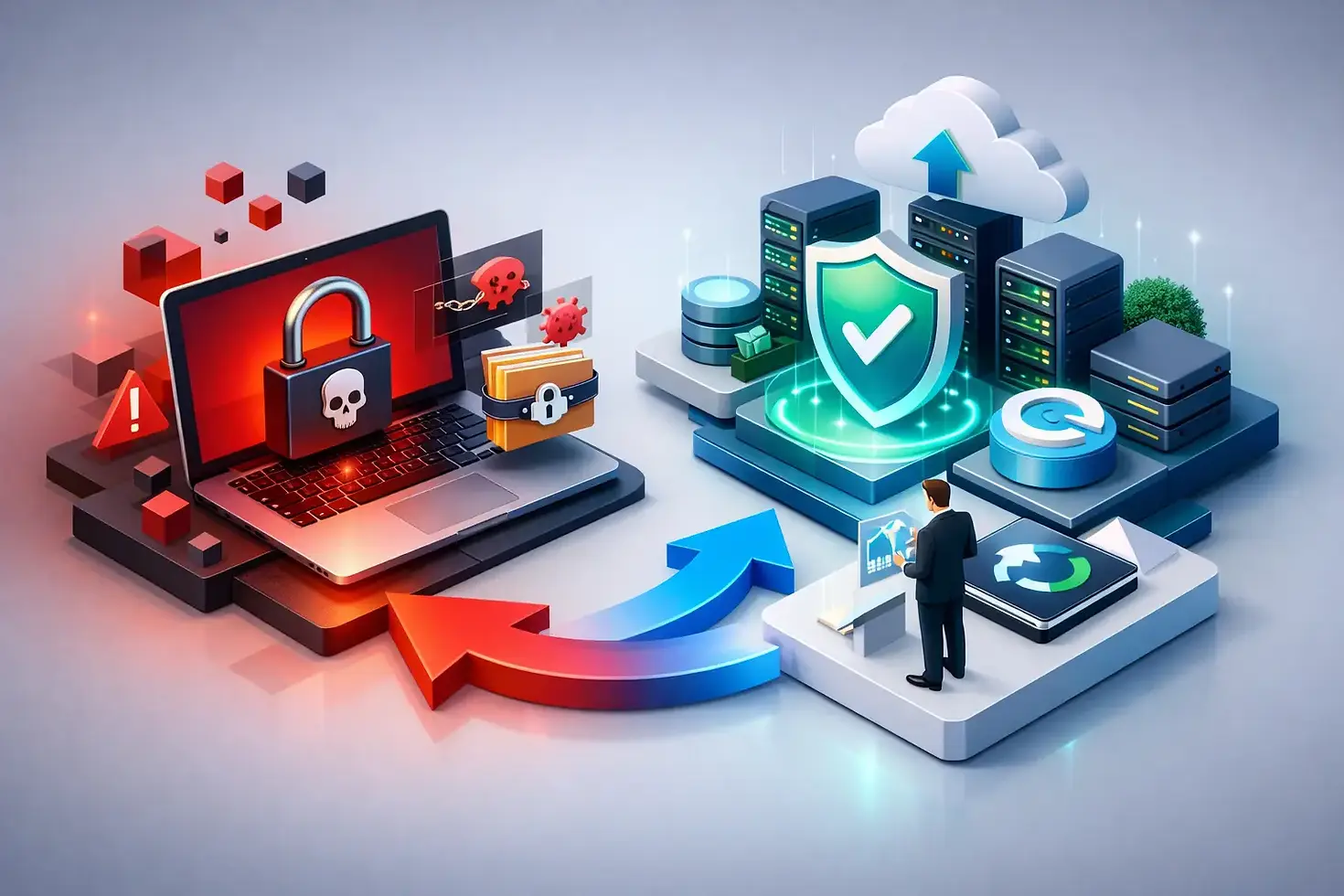
Business Continuity for Ransomware Attacks
A ransomware incident rarely begins with a dramatic warning. It may start with an employee opening a convincing email attachment, a stolen password used after hours, or an unpatched device on the network. By the time files become inaccessible, the business is making high-stakes decisions under pressure. Business continuity for ransomware attacks gives small and medium-sized businesses a prepared way to contain the damage, restore operations, and communicate clearly without relying on guesswork.
For a business owner or operations leader, the central question is not simply, "Can we get our files back?" It is, "How long can we continue serving customers, paying employees, scheduling work, and meeting obligations if critical systems are unavailable?" A continuity plan turns that question into practical decisions made before an attack.
Why ransomware is a business continuity issue
Ransomware is often treated as a cybersecurity problem alone. Security controls matter, but an attack also affects every process that depends on technology. If email, shared files, accounting software, phone systems, customer records, or cloud applications are unavailable, work can stop quickly.
The cost is not limited to an encryption demand. A manufacturer may be unable to access production schedules. A professional services firm may lose access to client documents and deadlines. A healthcare-related office may be unable to retrieve records or coordinate appointments. Even a short interruption can lead to missed revenue, overtime, reputational damage, and frustrated customers.
That is why a continuity plan must focus on business outcomes. It should identify which systems are necessary to operate, who makes decisions during an incident, how employees will work if normal tools are unavailable, and what recovery sequence makes the most operational sense.
Start with the processes your business cannot pause
Effective planning begins with a business impact assessment. This does not need to become a lengthy technical exercise. Leadership and department owners should identify the applications, data, vendors, and communication channels that support essential work.
Ask direct questions. What must be restored within a few hours? What can wait until the next business day? Which data changes every day and cannot be lost without causing serious disruption? Are there manual processes that can temporarily support invoicing, dispatching, order processing, or customer communication?
Two recovery targets help make these decisions usable. A recovery time objective defines how long a system can be unavailable. A recovery point objective defines how much data loss is acceptable, measured in time. For example, a business may decide that its line-of-business application must be available within four hours and that no more than one hour of transaction data can be lost.
These targets should reflect reality. Recovering every system immediately can be expensive and may not be necessary. A small business may prioritize email, identity access, phones, and its core business application before restoring less critical historical data. The right order depends on how the organization earns revenue and serves customers.
Build backups that ransomware cannot reach
Backups are essential, but they are not automatically a recovery plan. Ransomware operators frequently look for connected backup repositories, administrator credentials, and cloud accounts. If backups are always accessible from the same network or protected by the same compromised account, they may be encrypted or deleted along with production data.
A dependable backup strategy uses multiple copies of critical data, with at least one protected from normal network access. This may include immutable storage, offline copies, or isolated backup environments that prevent data from being changed or removed during a defined retention period. Encryption, access controls, and separate administrative credentials also reduce the chance that one compromised account can affect everything.
Backups should cover more than file shares. Review servers, cloud data, email, virtual machines, configuration files, and the systems that manage user access. A restored server is of limited value if employees cannot sign in, key software settings are missing, or the latest customer data was never included in the backup scope.
Most importantly, test restoration. A backup report only confirms that a job ran. It does not prove that the recovered data is complete, usable, or available within the required time. Regular tests should restore representative files, applications, and full systems in a controlled environment. Document the results, fix delays or gaps, and update recovery expectations accordingly.
Create an incident response plan people can use
During a ransomware event, confusion creates additional risk. Employees may restart systems, connect personal devices, delete evidence, or continue using compromised accounts. A concise incident response plan establishes who acts first and what they are authorized to do.
The plan should name an incident leader and backup decision-makers, along with technology, legal, insurance, executive, and communications contacts as appropriate. It should include current contact information stored outside the affected network. A printed copy or secured offline version can be valuable when email and shared drives are unavailable.
The first actions usually focus on containment. Disconnect affected computers from the network, disable compromised accounts, preserve evidence, and prevent the threat from moving further. Do not erase or rebuild systems before qualified technical personnel have assessed the situation. Early evidence can help determine how the attacker entered, what systems were accessed, and whether sensitive data may have been taken.
Clear internal communication matters. Employees need simple instructions: do not connect affected devices, do not use suspect credentials, report unusual messages, and use approved alternate communication methods. Customers and partners may also need timely updates if services, orders, or deadlines are affected. Messages should be accurate and measured. Speculation can create unnecessary legal and reputational problems.
Plan how work continues during recovery
Recovery is not always a single event where every system returns at once. The business needs a practical way to operate while IT teams investigate, clean systems, and restore services.
For some organizations, that means secure remote access to clean cloud applications. For others, it means temporary laptops, paper-based intake forms, a secondary communication method, or predefined procedures for handling orders and payments. These workarounds should be documented, assigned to specific roles, and practiced before an emergency.
Consider the dependencies that can delay recovery. An accounting application may require a database server, licensing service, network configuration, and user authentication before employees can work. A phone platform may depend on internet connectivity and account access. Mapping these dependencies prevents teams from restoring systems in an order that looks logical technically but does not restore business capability.
Reduce the chance that one mistake becomes an outage
Continuity planning works best alongside preventative security. Multi-factor authentication, timely patching, endpoint protection, secure email controls, least-privilege access, network segmentation, and employee awareness training all help reduce the opportunity for ransomware to spread.
No single control eliminates risk. Employees can be targeted, software can contain unknown flaws, and vendor accounts can be compromised. The goal is to create layers that make an attack harder to launch, easier to detect, and less damaging if it succeeds.
A managed IT partner can provide valuable oversight here, particularly for businesses without a dedicated internal security team. Proactive monitoring can identify unusual activity, while regular backup reviews, vulnerability management, and recovery testing keep continuity preparations from becoming outdated documents. Advanced IT Technologies helps organizations align these technical protections with their actual operational priorities.
Test the plan before an attacker tests it
A continuity plan is only useful if people understand it and the recovery process performs as expected. Schedule tabletop exercises that walk leadership and department owners through a realistic scenario. Begin with a simple prompt: several employees report inaccessible files, an unusual login alert appears, and the accounting system is unavailable. What happens in the first 15 minutes? Who approves a shutdown? How are staff informed? Which system is restored first?
Then test technical recovery at planned intervals. Measure how long it takes to restore critical systems, validate data, and return users to work. Compare results with stated recovery targets. If recovery takes longer than expected, the answer may be additional backup capacity, a revised system design, clearer procedures, or a more realistic target.
Plans also need updates after business changes. New applications, acquisitions, remote workers, office moves, and changes in key vendors can all alter recovery priorities. Review the plan at least annually and after a significant operational or security event.
Ransomware preparation is not about predicting every attack method. It is about giving your business a disciplined path forward when normal technology cannot be trusted. With protected backups, clear responsibilities, tested recovery procedures, and practical workarounds, an interruption becomes a managed event rather than a threat to the business itself.


Comments